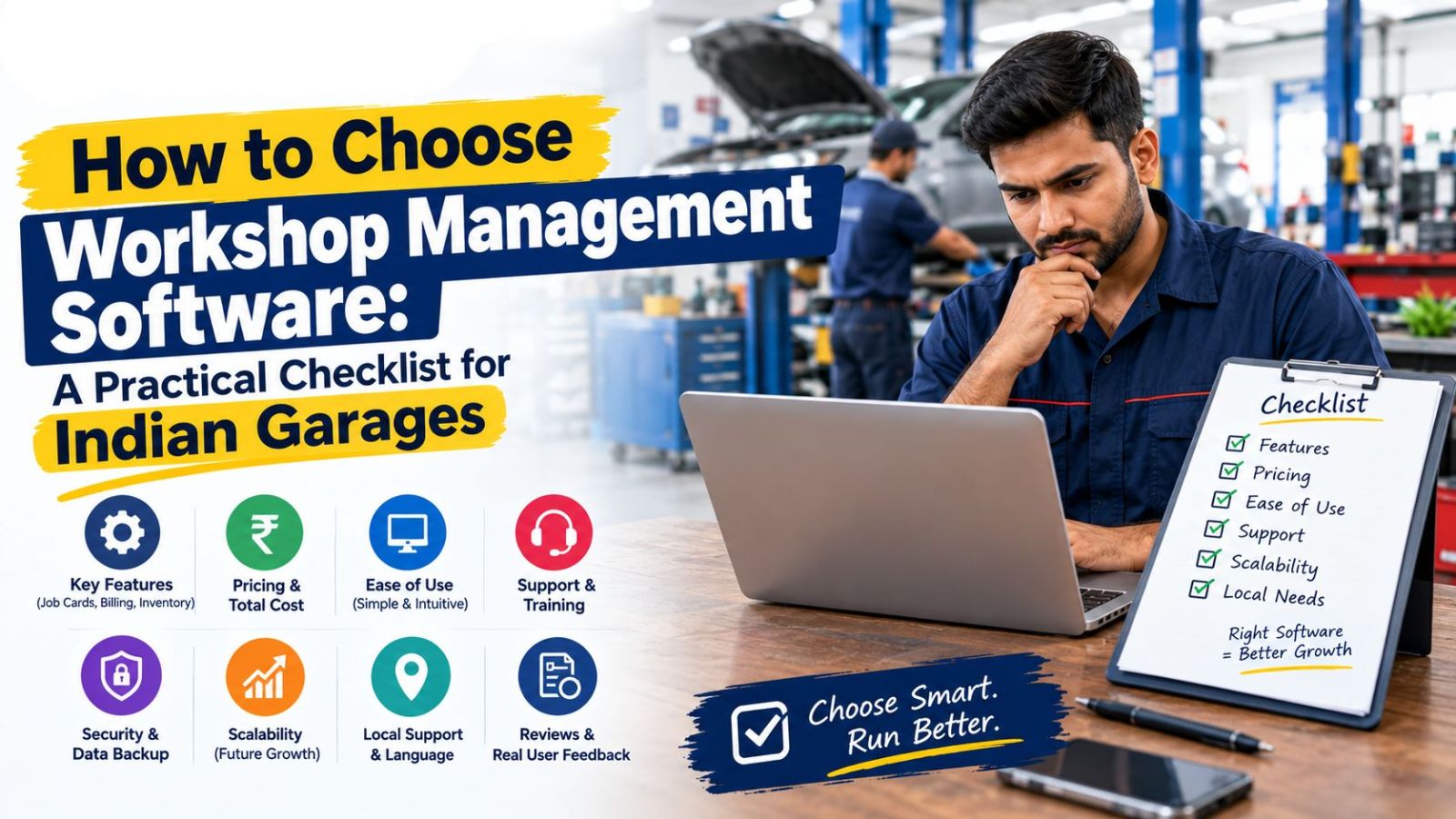
How to Choose Workshop Management Software: A Practical Checklist for Indian Garages
Every workshop software vendor's website looks similar at first glance — GST billing, job cards, inventory, reports, all listed as checkboxes. The problem is that a feature list on a website tells you almost nothing about whether the software actually fits how your workshop runs. The differences that matter usually only show up once you're using it, which is exactly when it's most expensive to discover them.
This is a checklist for evaluating workshop management software before you commit — not after.
Start With Your Actual Workflow, Not a Feature List
Before comparing software, write down what actually happens at your workshop from the moment a vehicle arrives to the moment the customer pays. Most workshops follow some version of: vehicle intake → job card creation → parts and labor added → estimate shared with customer → work approved → job completed → invoice generated → payment collected → (sometimes) insurance claim processed.
Any software you evaluate should be tested against this exact sequence, using your own scenario, not a generic vendor demo script.
Ten Questions to Ask During Any Demo
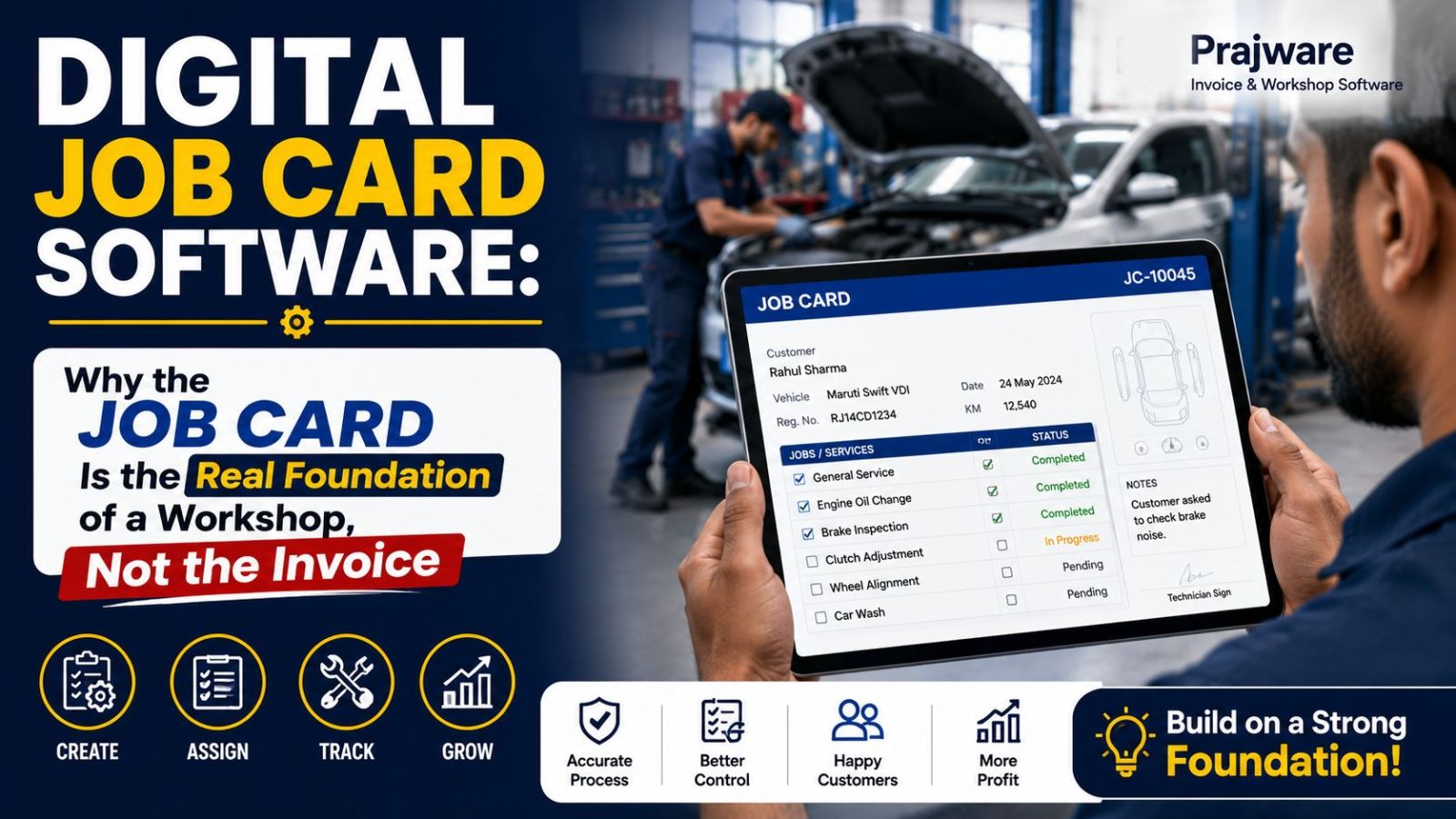
1. Does the invoice generate directly from the job card, or is it a separate step? If parts and labor need to be re-entered at billing time, you're not eliminating manual work — you're just moving it.
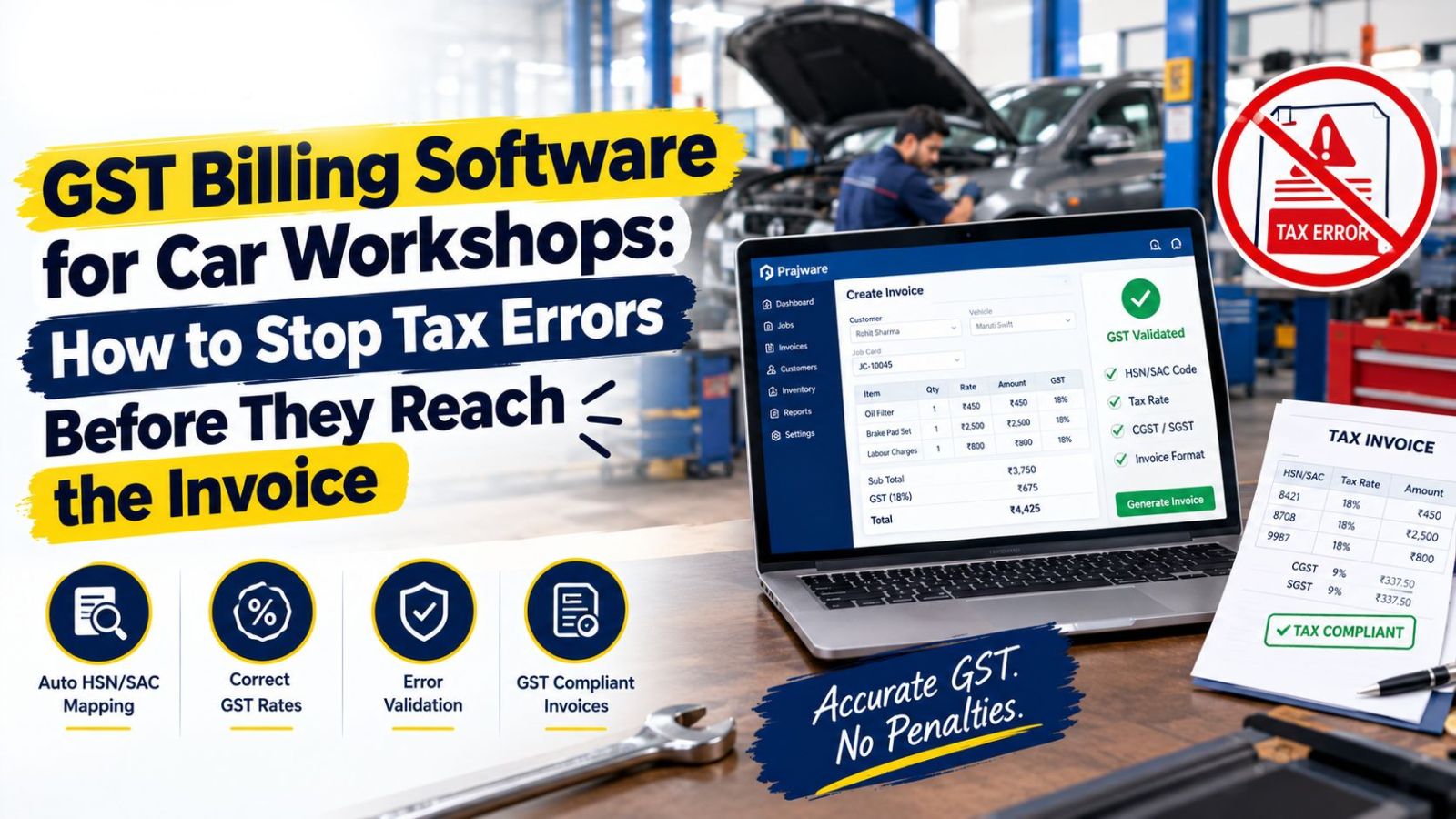
2. Are GST and HSN codes handled automatically for auto parts? Ask the vendor to show a real invoice with mixed parts across different GST slabs, not just a single-item example.
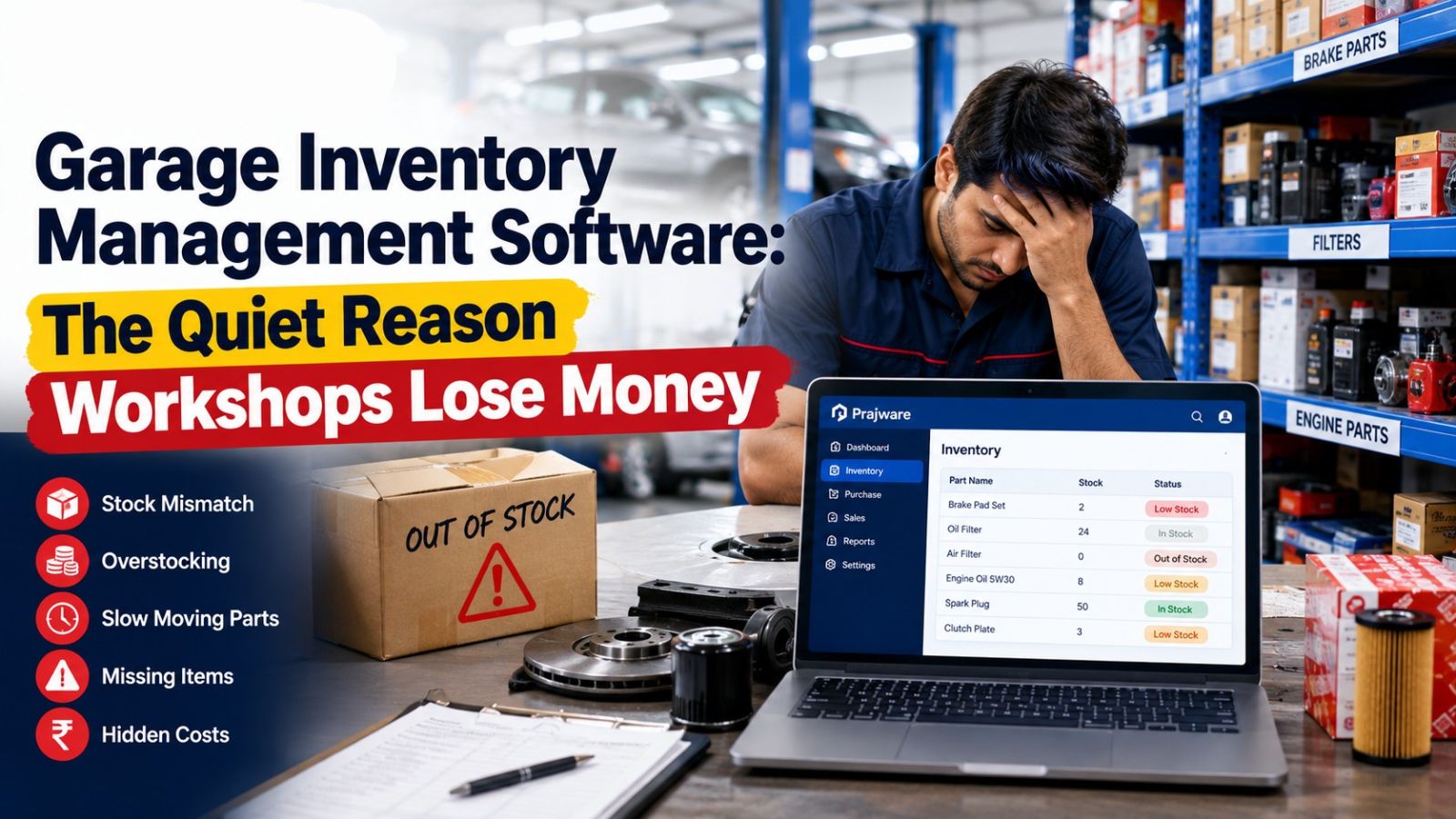
3. Does inventory update automatically when a part is billed? This is one of the most commonly overstated features. Ask to see stock levels change in real time after generating an invoice — not after a manual sync or end-of-day batch process.
4. Can it handle insurance claims, if that's relevant to your business? If you take on accident repair work, ask specifically about claim estimates, surveyor tracking, and how cashless versus reimbursement claims are handled — not just whether "insurance" appears somewhere in the feature list.
5. What happens with partial or split payments? Ask how the software handles a customer paying part of a bill upfront, or a claim split between customer and insurer. This is where a lot of "billing software" quietly falls back to manual tracking.
6. Does it work properly on mobile, not just in a browser? A dedicated mobile app that lets an owner check job status or send an invoice from their phone is different from a desktop tool that's technically viewable on mobile but painful to use there.
7. How are customers actually notified? Ask whether invoices and updates go out via WhatsApp or SMS automatically, or whether that's still a manual task for your staff.
8. What does reporting look like at month-end? Ask to see an actual GST report or monthly sales summary generated from the demo data, not a screenshot from a sales deck.
9. What's included in onboarding, and what does support look like after? Free training and installation support matters more than it seems during the sales conversation — a system nobody on your team knows how to use fully is a system that quietly reverts to old habits within a month.
10. Is there a real free trial or demo, or just a sales call? Any vendor confident in their product should let you test actual workflows — job card to invoice, inventory deduction, claim handling — before you pay, not just walk you through a slide deck.
Common Mistakes Workshops Make When Choosing Software
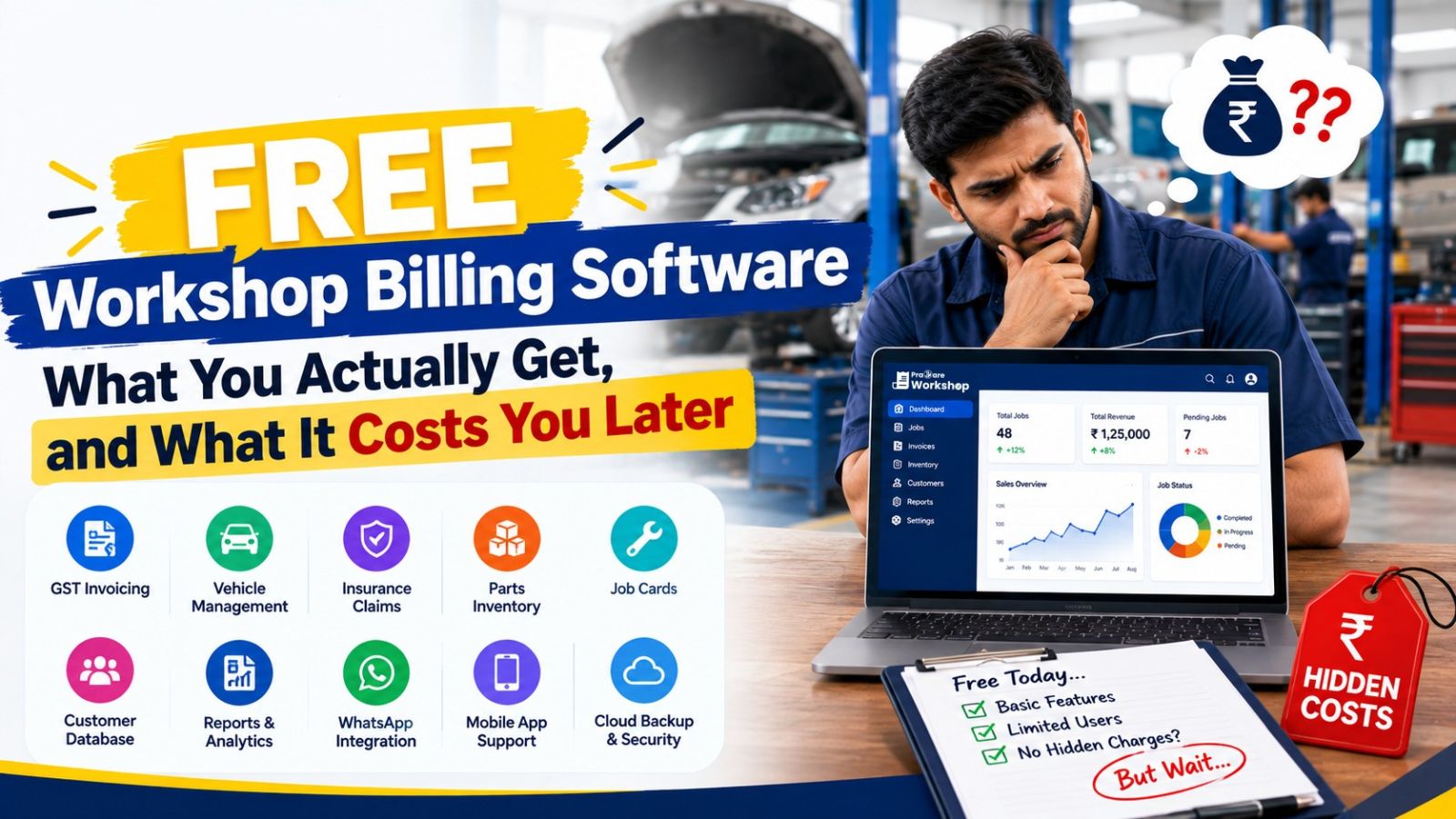
Choosing based on price alone. The cheapest option is rarely cheap once you account for the manual work it doesn't eliminate — re-entering data, calculating GST by hand, or reconciling inventory separately.
Ignoring mobile experience. Workshop owners and advisors aren't always at a desk. Software that's genuinely usable on a phone changes daily operations more than most buyers expect going in.
Skipping the insurance claim question if it doesn't seem relevant yet. Workshops that don't currently handle much insurance work often start taking on more of it as they grow — and switching software later, after data has accumulated in a system without claim support, is far more disruptive than checking for it upfront.
Not testing with your own scenario. A polished vendor demo using their own sample data can look smooth regardless of the underlying software. Insist on running through your actual workflow — your parts, your typical job — before deciding.
What Good Workshop Software Should Feel Like
By the end of a proper evaluation, you should be able to answer one question clearly: from a vehicle arriving to the final GST invoice going out, how many separate tools or manual steps does this software actually eliminate? If the honest answer is "not many," the feature list was more marketing than function.
How Prajware Workshop Holds Up Against This Checklist
Prajware Workshop was built around exactly this sequence — vehicle intake, digital job card, parts and labor tracking, estimate approval, one-click GST invoicing with 2000+ HSN-mapped parts, real-time inventory deduction, insurance claim management with cashless and reimbursement support, WhatsApp-based customer updates, and detailed monthly reporting — all inside one system, accessible from desktop, tablet, or the mobile app, with free training and onboarding support included.
Ready to run your own workflow through a real demo instead of a slide deck? Start a free demo of Prajware Workshop and test it against your actual job card scenario.