GST Billing Software for Car Workshops: How to Stop Tax Errors Before They Reach the Invoice
A repair bill looks simple to the customer: parts plus labor, plus tax. Behind the scenes, it's one of the more error-prone documents a workshop produces. Different spare parts carry different HSN codes. Labor is a service, parts are goods, and the two can be taxed differently on the same invoice. Add inter-state customers, partial payments and insurance-linked jobs, and a single wrong tax line can ripple into your monthly return.
Most workshops don't have a GST problem. They have a "someone typed the wrong code on a busy Saturday" problem. Good software removes the opportunity for that mistake.
Where GST Errors Usually Come From in a Workshop
Manually Chosen Tax Rates When the person billing has to remember which rate applies to which part, errors are inevitable. The more varied your parts, the more often it happens.
Missing or Wrong HSN Codes HSN codes are easy to skip when you're busy and hard to fix once the invoice has been issued and reported.
Parts and Labor Treated the Same Way A repair invoice mixes goods and services. Software that doesn't separate them correctly forces staff to adjust the calculation by hand.
Intra-State vs Inter-State Confusion Whether an invoice carries CGST and SGST or IGST depends on the place of supply. Getting this wrong by hand is more common than most owners realise, especially with fleet or company customers from other states.
Rebuilding Data at Month-End If invoices live in one tool and returns are prepared from another, someone has to reconcile them. That's where discrepancies surface, usually close to the filing deadline.
What GST-Ready Workshop Software Should Do
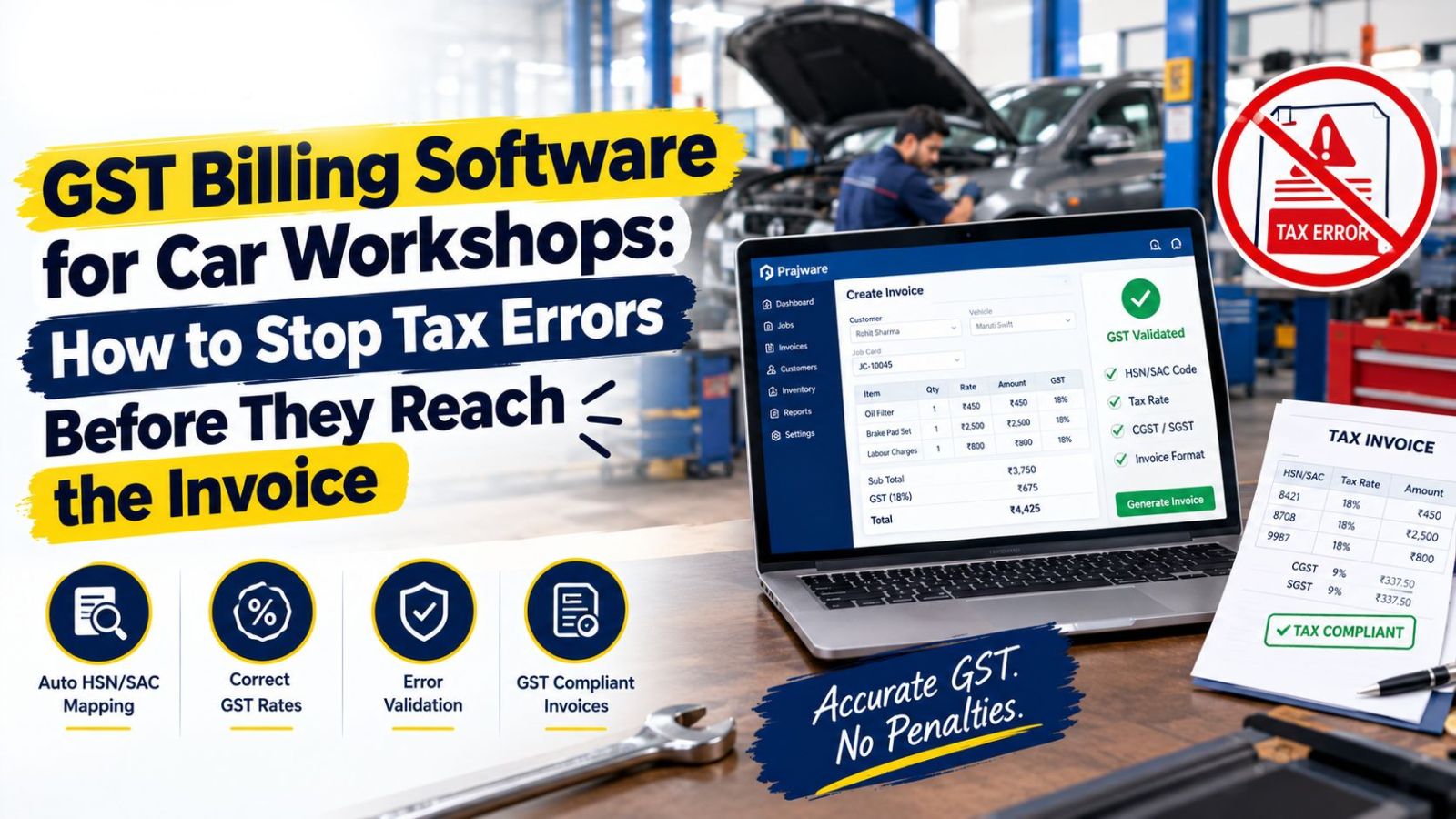
Pre-Mapped Parts With Correct HSN Codes The most effective fix is removing the decision entirely. A catalog of 2000+ ready spare parts, each already mapped to its HSN code, means the right code is attached the moment a part is added to the job.
Automatic CGST, SGST and IGST Calculation Tax should calculate itself based on the customer's location, with no manual switching between tax types.
Estimate, Invoice and Claim Invoice Kept Distinct Insurance-linked jobs produce a different kind of document from a regular sale. Reports that separate invoices from claim invoices make reconciliation and audits far simpler.
E-Way Bill Support Where goods movement requires an e-way bill, having the details captured and tracked alongside the invoice avoids a separate scramble on the government portal.
GST Reports Generated From Real Transactions Detailed monthly reports should be a by-product of billing, not a separate project. When the data is entered once, at the job card, the report is simply a view of it.
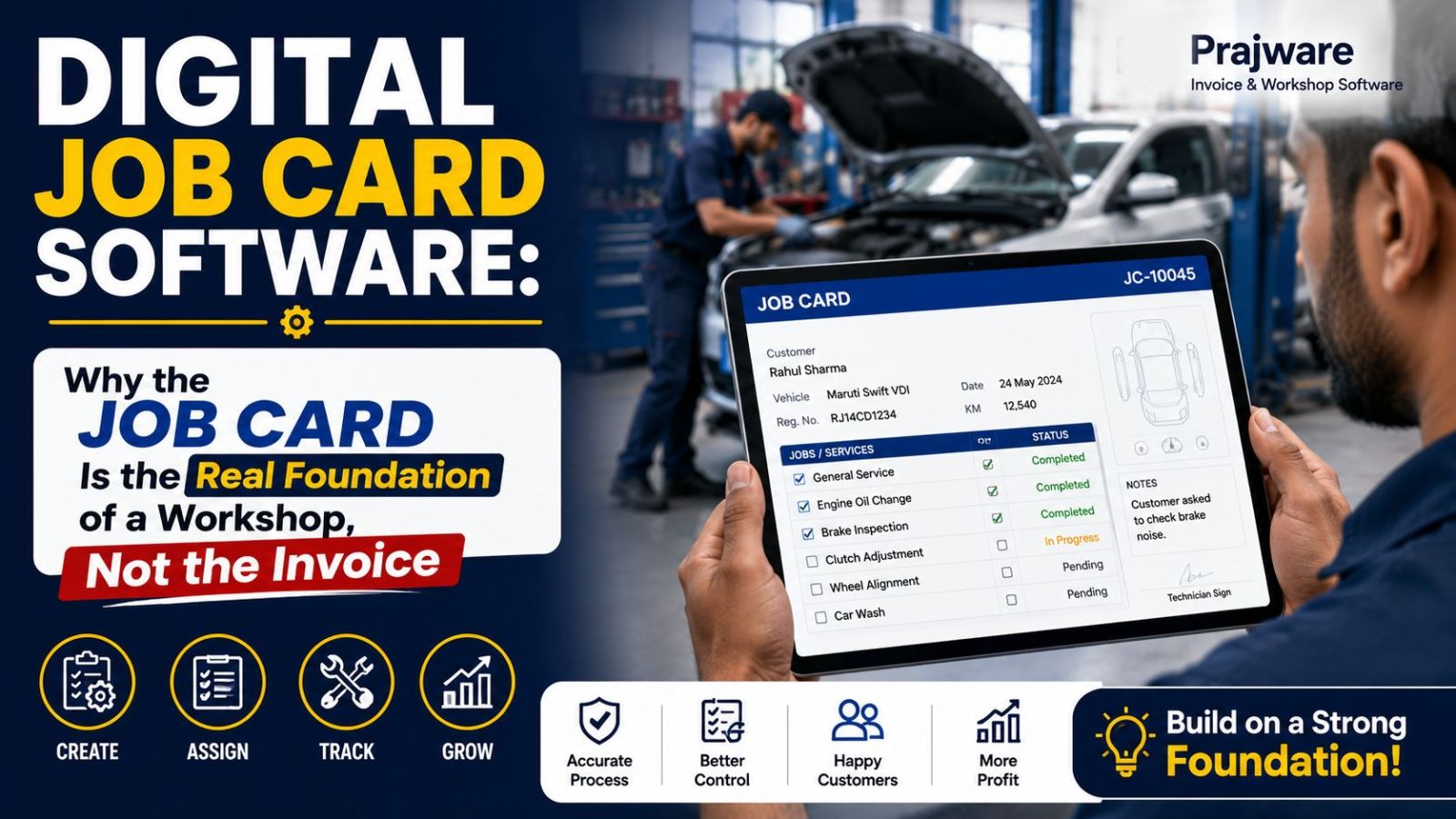
A Clean Digital Trail If an auditor or your CA asks about a bill from eight months ago, you should be able to find the job card, the parts used, the invoice and the payment record in seconds.
A Quick Self-Audit for Your Current Setup
Pick any five invoices from last month and check three things: Was the correct HSN code attached to every part? Was the tax type right for the customer's location? Does the invoice total match what appears in your monthly report? If checking takes more than a few minutes, or turns up even one mismatch, your process depends too heavily on memory and manual work.
How Prajware Workshop Handles GST
Prajware Workshop builds GST handling into the job-card-to-invoice workflow. Parts come pre-mapped to HSN codes from a 2000+ item catalog, tax is calculated automatically, estimates convert to GST-compliant invoices in one click, e-way bill details can be recorded, and detailed monthly reports separate regular invoices from claim invoices, keeping filing prep far lighter. Customers receive their invoices instantly through WhatsApp and SMS.
Want billing where the tax is right by default? Start a free demo of Prajware Workshop and generate a GST invoice from a live job card.
Note for publishing: tax rules and rates change from time to time. Have your CA review any specific rate or return-filing references before you add them to this page.